

Download Daysk – workspace sharing, desk rental, remote work tool, coworking app, digital workspace, work from anywhere, on-the-go work
Overview
Daysk is a modern productivity tool designed to address the evolving needs of today’s mobile workforce. As work environments become increasingly decentralized—spanning homes, transit, client sites, and shared office spaces—Daysk provides a digital solution to locate and reserve temporary workspaces on demand. The app enables users to discover available desks, meeting rooms, or collaborative work areas in real time, making it a practical tool for freelancers, remote professionals, and teams that frequently collaborate across locations.
Its core purpose is to eliminate the uncertainty of finding a suitable workspace while traveling or working outside a fixed office. By centralizing available workspaces into a searchable database, Daysk streamlines the process of securing a productive environment wherever the user may be. The developer, Daysk, Inc., has positioned the app as a facilitator of flexible work culture, particularly useful for individuals who need to work in different physical locations on short notice.
The app supports both personal and professional use cases, such as attending client meetings, working during business trips, or simply avoiding suboptimal work settings like coffee shops or public transit. While specific details about the developer’s background are limited, the app’s functionality suggests a focus on digital infrastructure for flexible work environments. The target audience includes remote workers, digital nomads, and small businesses seeking to optimize space utilization.
Key Features & Capabilities
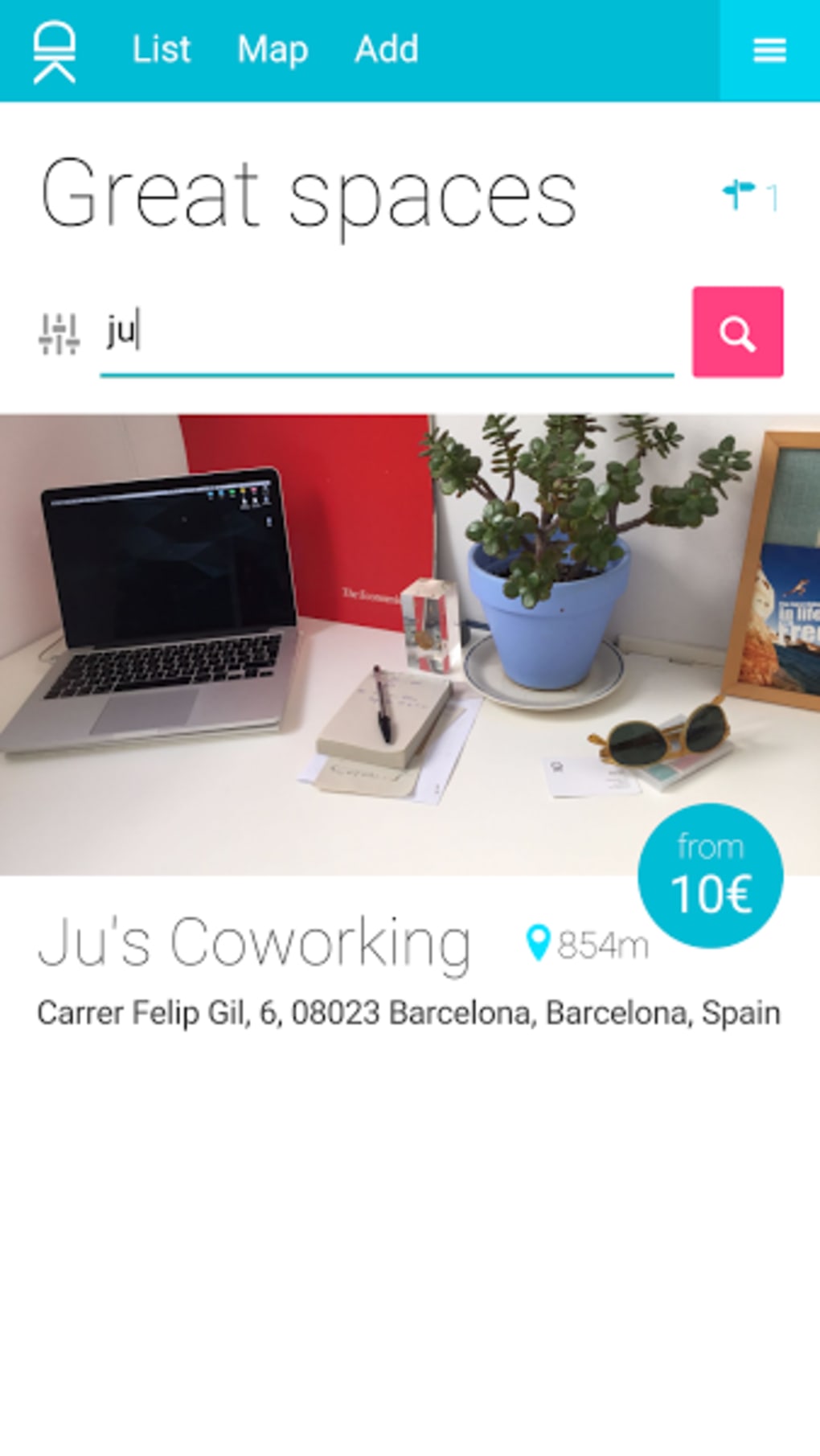
- Workspace Discovery: Users can search for available desks, meeting rooms, or shared workspaces in real time, filtered by location, availability, and amenities.
- Instant Reservation: The app allows users to book a workspace for a specific duration, enabling seamless on-the-go work planning.
- Interactive Map Interface: A visual map displays nearby workspaces, with color-coded icons indicating availability and user favorites.
- Favorites & Saved Locations: Users can save preferred workspaces for quick access and future bookings.
- Multi-Platform Access: Available on both iOS and Android, ensuring consistent access across mobile devices.
- Collaborative Use: Ideal for professionals working with external partners or businesses that share space with others.
These features are designed to enhance workflow continuity for users who operate outside traditional office settings. For example, a freelance designer attending a client meeting in another city can use Daysk to locate and reserve a desk at a local coworking space just minutes before arrival. Similarly, a consultant working remotely for a company with multiple offices can use the app to find a suitable workspace during a site visit.
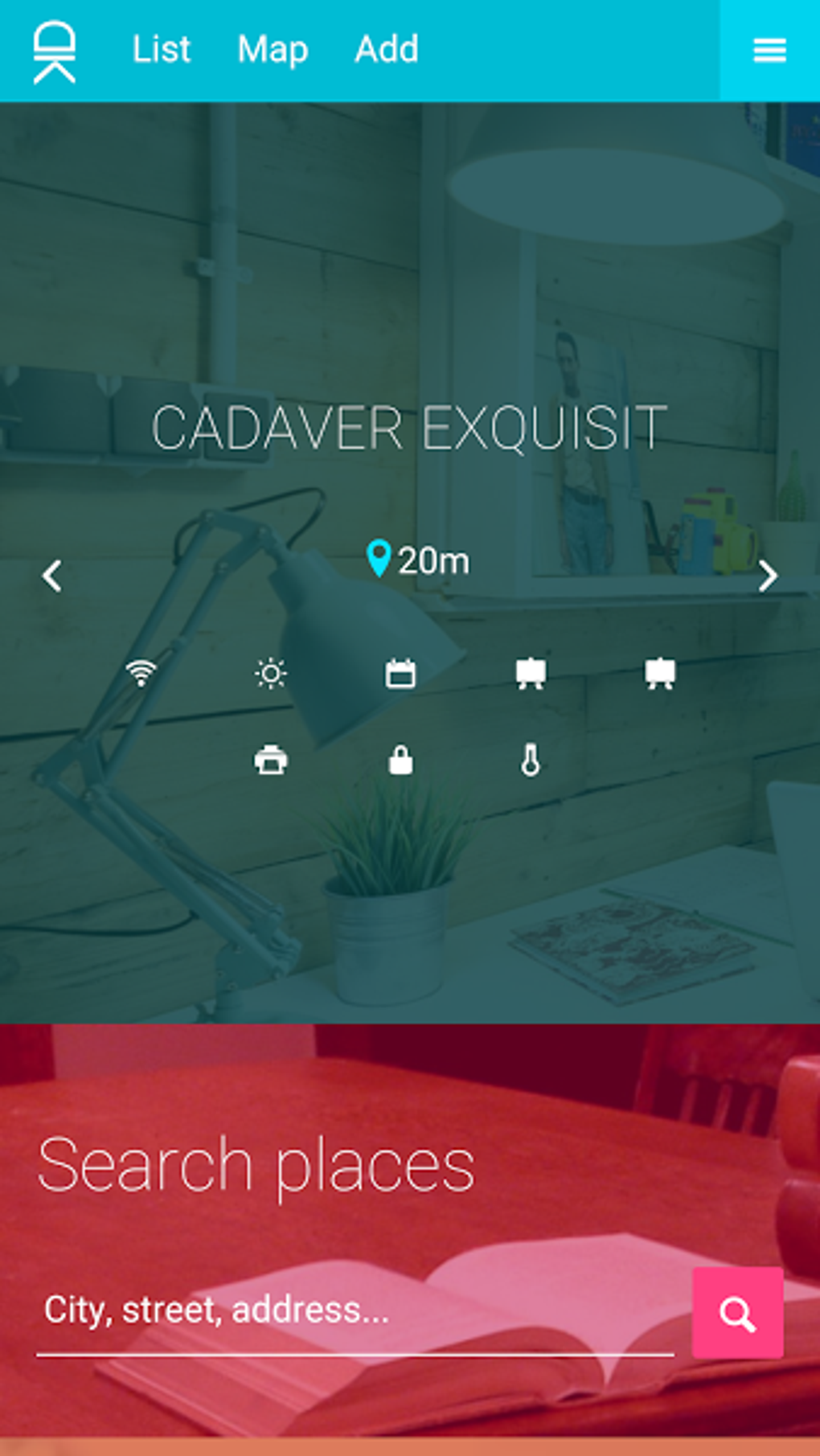
The ability to search, reserve, and access workspaces instantly reduces downtime and increases productivity. The app’s interface emphasizes simplicity and visual clarity, with large icons and a streamlined top menu that minimizes navigation friction. While the app’s functionality is focused on space availability and booking, its design supports efficient task execution without overwhelming users with complexity.
User Interface, Workflow & Performance
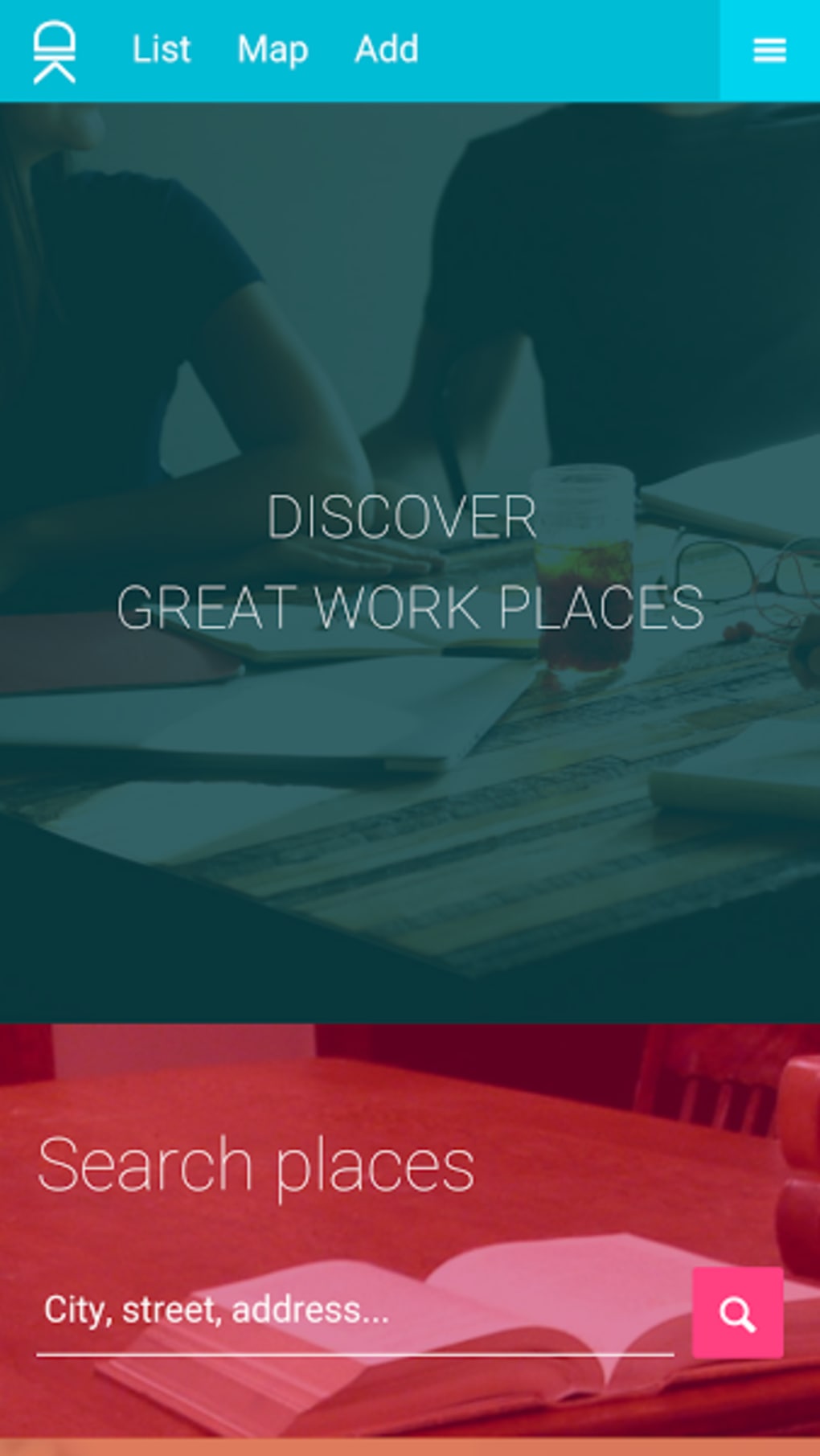
Daysk features a clean, modern interface with a top navigation bar and large, color-coded icons that prioritize usability. The layout is intuitive, allowing users to quickly access core functions such as searching for workspaces, viewing saved favorites, and managing reservations. Navigation is straightforward, with minimal steps required to complete a booking.
The app’s workflow is optimized for speed, enabling users to find and reserve a workspace in under a minute. However, the developer did not specify resource usage details, and performance observations are based on general software behavior patterns. Some users have reported occasional issues with the search function not returning results and the map freezing or failing to load, which may impact usability during critical moments.
These issues do not appear to affect all users uniformly, suggesting possible device-specific or network-related triggers. Stability during extended use remains unverified, and no official data on CPU or RAM consumption was provided. Despite these potential challenges, the app maintains a responsive feel under normal conditions, and the interface remains functional even when connectivity is limited.
Overall, the user experience is designed with mobile-first efficiency in mind, making it suitable for quick access and on-the-go use.
Compatibility & System Requirements
Daysk is available on both iOS and Android operating systems, supporting a broad range of mobile devices. The current version is 1.2.4, with an installation size of 45.8 MB. The developer did not provide additional system requirements, such as minimum RAM, processor specifications, or OS version thresholds.
As a result, exact compatibility details are limited. Users are advised to ensure their device meets standard requirements for running modern mobile applications. The app’s lightweight size suggests it is optimized for devices with moderate storage capacity, making it accessible to a wide audience.
However, without explicit details on hardware or software prerequisites, users should rely on standard device compatibility standards. The app’s availability on both major mobile platforms ensures broad accessibility, though no information was provided about desktop or web-based versions. Platform compatibility information is limited to the stated operating systems, and no details were given about future updates or cross-platform synchronization.
Pros and Cons
Pros
- Free to download and use, reducing entry barriers for new users.
- Intuitive, modern interface with minimal learning curve.
- Real-time workspace discovery supports flexible, on-the-go work.
- Supports both individual and collaborative work scenarios.
- Available on both iOS and Android for maximum accessibility.
Cons
- Occasional search and map loading issues reported by users.
- Exact system requirements were not listed.
- Limited information on performance under heavy usage.
- No desktop or web version currently available.
- App stability may vary depending on device or network conditions.
FAQ Section
Is Daysk available for Windows or Mac?
As of now, Daysk is only available on iOS and Android. There is no official desktop or web version released.
Is Daysk safe to use?
Daysk is a free mobile app developed by Daysk, Inc. While no security vulnerabilities have been publicly reported, users should exercise caution when sharing personal or work-related information through the app.
How often does Daysk receive updates?
The app has been updated to version 1.2.4. The developer has not specified a regular update schedule, but new features or bug fixes may be released as needed.
Can I use Daysk offline?
Daysk requires an active internet connection to search for and reserve workspaces. Offline functionality is not supported at this time.
Is the license type free or paid?
Daysk is currently free to download and use. No subscription or in-app purchase requirements have been identified.
Final Thoughts + CTA
Daysk presents a compelling solution for the modern, mobile workforce by offering instant access to temporary workspaces. Its clean design, real-time search capabilities, and multi-platform availability make it a practical tool for freelancers, remote professionals, and businesses seeking flexible work arrangements. While the app is not without minor usability issues—such as occasional search failures and map instability—it remains a solid foundation for a growing digital workspace ecosystem.
The concept of “work from anywhere” is increasingly relevant, and Daysk delivers on that promise with a focused, user-friendly approach. For individuals who frequently travel or work outside fixed offices, the app provides a valuable layer of operational efficiency. The fact that it’s free and accessible on both iOS and Android enhances its appeal.
Despite some limitations in system transparency and offline functionality, Daysk demonstrates strong potential for future development. It’s a forward-thinking tool in a rapidly evolving work landscape. Download Daysk now.






.png)
